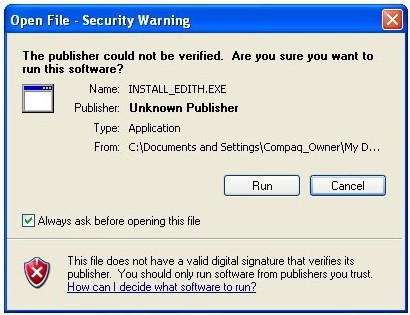
Open
File - Security Warning
While
running the Install_Edith.exe program, you
may encounter a security warning. Since you initiated this
process, and you know where the download came from, you can choose to
"Run" the installation program. It does not
matter if you check the box marked "Always ask before
opening this file."
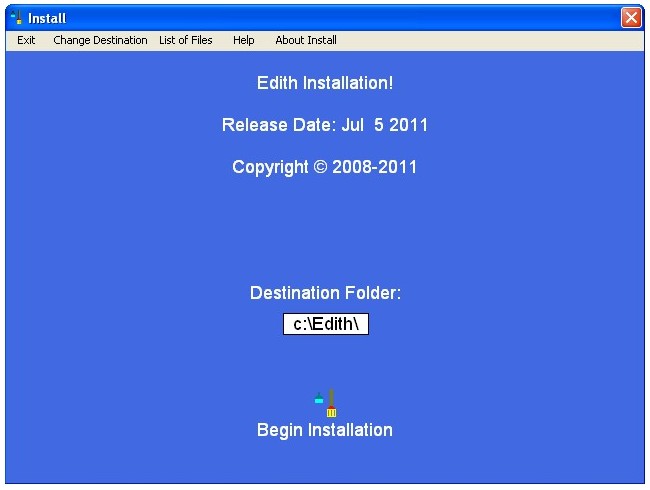
Edith
Installation
Once
the Edith Installation program has begun, you can use the menus
to view additional information about the installation
process. You have the option of changing the destination
folder for the files installed during this process. You
are encouraged to accept the default folder. To continue
with the installation, click on the icon above the words
"Begin Installation."
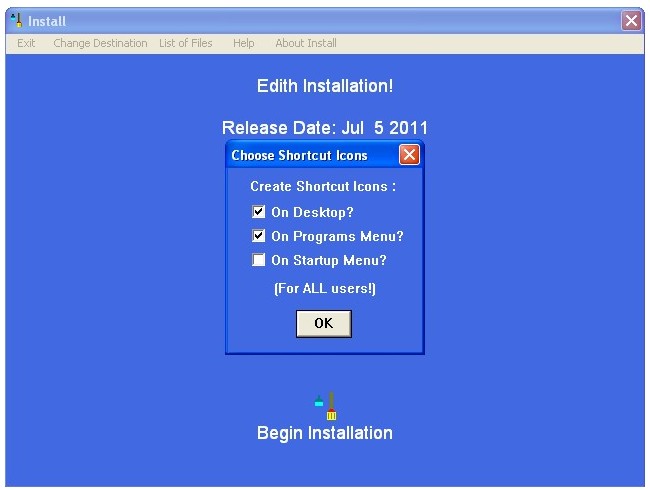
Choose
Shortcut Icons
Your
next step is to choose the program icons. It is convenient
to have a desktop icon. You can also have the program
available on the Programs Menu ("Start/Programs). The
third option is to have Edith included in your Startup
Menu. If you opt for inclusion in the Startup Menu then
the program will automatically start each time the computer is
started. After you have made your selections click
"OK."
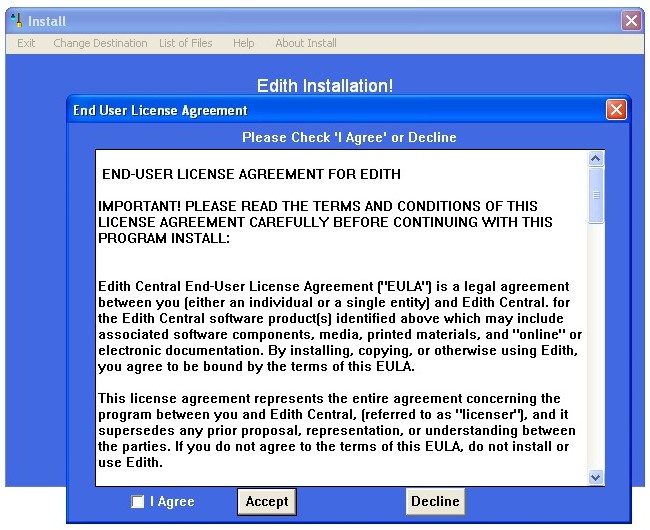
End
User License Agreement (EULA)
Next
you will be asked to read and accept the End User License
Agreement. In order to proceed you must agree to the EULA.
If you do not accept the EULA then you will not be allowed to
proceed. After you have read the agreement, check the box
next to the words "I Agree" and click the
"Accept" button.
Note
About Script
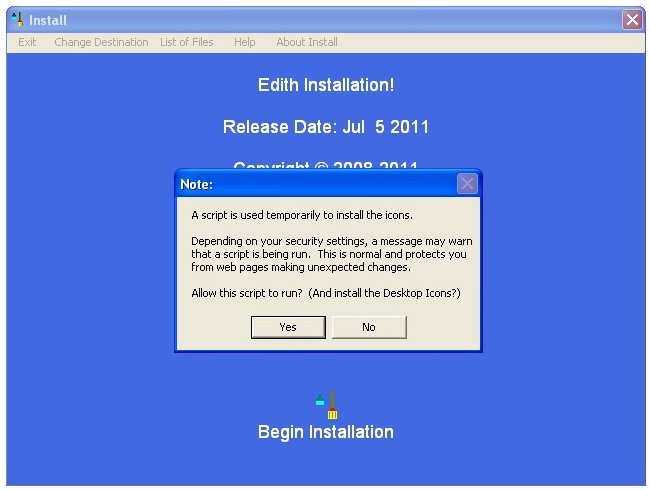
The
program uses a script to install the icons. You will see a
note that informs you of possible warning messages you may see
before the script will run.
Click
the "Yes" button.
Install
Now Dialog Box
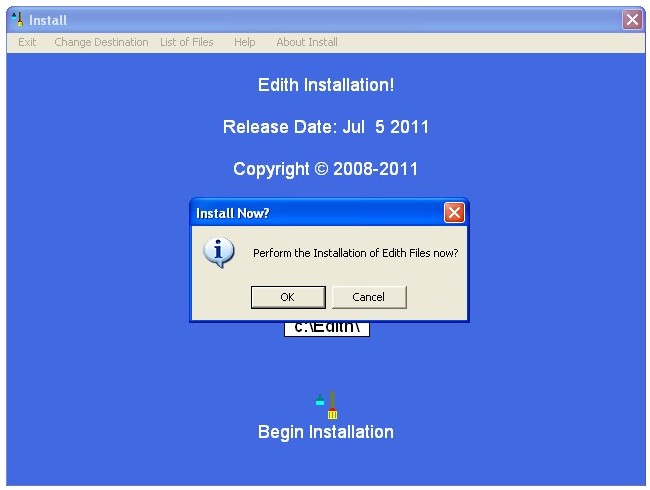
The
program finally asks you if you want to perform the installation
now. The installation will only take a few seconds.
Click
the "OK" button.
Installation
Complete
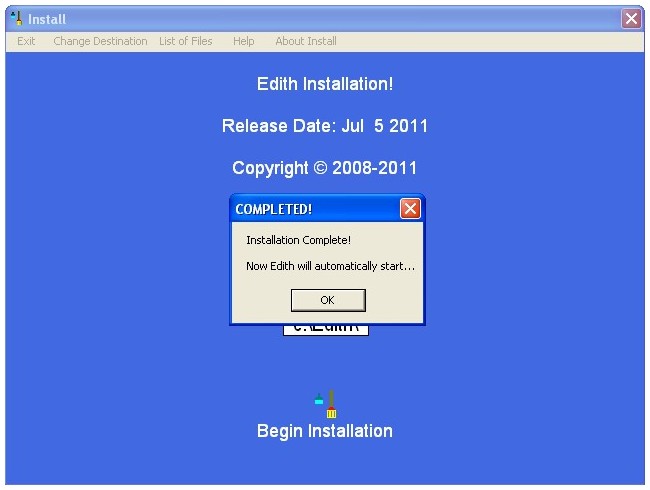
At the
completion of the installation process you are given the
opportunity of starting the Edith program.
Click
the "OK" button.
The
Edith Program
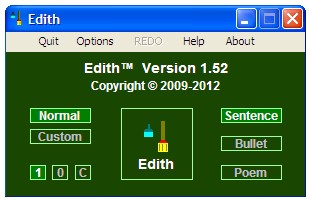
You
may now use the Edith program. After you close the program
you can restart it again by using any one of the program icon
options which you selected in the installation process.
Download the Edith™ Installation Program
Click here to go to the download page for a
30-DAY FREE TRIAL of Edith™ software.